Private email in your own cloud account
MarkRelay runs team email inside your own Cloudflare account: your messages, attachments and contacts stay in your own database and storage, no email vendor keeps a copy of your mailbox, and there is no mail server to run or patch.
Facts checked
In short
The most private way to run company email without running a mail server is to keep the mailboxes in a cloud account you own. MarkRelay deploys into your own Cloudflare account, so mailboxes, messages, attachments and contacts are stored in the D1 database and R2 bucket in your own cloud account, and MarkRelay (the company) never receives your email, attachments or contacts. No built-in AI reads your mail, broadcast tracking is off until you turn it on, and each person and API key reaches only the mailboxes granted to them. Cloudflare Email Routing receives and Cloudflare Email Sending sends. Your team uses MarkRelay in the browser and over its HTTP API; it does not offer IMAP access.
Where your email lives
Every kind of data, where it is stored, and who can open it.
| Data | Where it is stored | Who can access it |
|---|---|---|
| Messages and attachments | Your D1 database (message index) and your R2 bucket (bodies and files) | Members and API keys granted that mailbox, and administrators |
| Drafts, folders and templates | Your D1 database and R2 bucket | Drafts: people with access to the mailbox. Templates: their creator, and whoever they share them with |
| Contacts: broadcast recipient lists and the suppression list | Recipient lists in your R2 bucket; delivery results and the suppression list in your D1 database | The broadcast's creator, and administrators |
| Send and receive logs | Your D1 database, deleted automatically after 90 days | People with access to that mailbox, and administrators |
| Email Routing activity at Cloudflare | Cloudflare's Email Routing activity log and analytics: sender, recipient, subject and status | People with access to your Cloudflare account |
| Sent-message previews at Cloudflare | Cloudflare's Email Sending activity log keeps previews for about seven days while Email preview is on for the sending domain | People with access to your Cloudflare account |
| MarkRelay, the company | Never receives your email, attachments or contacts | No one at MarkRelay |
Messages and attachments
- Where it is stored
- Your D1 database (message index) and your R2 bucket (bodies and files)
- Who can access it
- Members and API keys granted that mailbox, and administrators
Drafts, folders and templates
- Where it is stored
- Your D1 database and R2 bucket
- Who can access it
- Drafts: people with access to the mailbox. Templates: their creator, and whoever they share them with
Contacts: broadcast recipient lists and the suppression list
- Where it is stored
- Recipient lists in your R2 bucket; delivery results and the suppression list in your D1 database
- Who can access it
- The broadcast's creator, and administrators
Send and receive logs
- Where it is stored
- Your D1 database, deleted automatically after 90 days
- Who can access it
- People with access to that mailbox, and administrators
Email Routing activity at Cloudflare
- Where it is stored
- Cloudflare's Email Routing activity log and analytics: sender, recipient, subject and status
- Who can access it
- People with access to your Cloudflare account
Sent-message previews at Cloudflare
- Where it is stored
- Cloudflare's Email Sending activity log keeps previews for about seven days while Email preview is on for the sending domain
- Who can access it
- People with access to your Cloudflare account
MarkRelay, the company
- Where it is stored
- Never receives your email, attachments or contacts
- Who can access it
- No one at MarkRelay
Cloudflare says Email Routing does not store or access the content of your emails, and shows routing activity (sender, recipient, subject, status) for analytics. Email preview is a per-domain Email Sending setting that Cloudflare turns on for new sending domains. People with access to your Cloudflare account can also open your D1 database and R2 bucket in the Cloudflare dashboard.
In your own account
Mail, attachments and contacts in your own Cloudflare D1 and R2.
Nothing to patch
No mail server, VPS or database server to run.
No built-in AI
An agent only sees mail if you connect one.
Per-mailbox access
People and API keys reach only what they are granted.
How it works
You deploy MarkRelay into your own Cloudflare account with the Deploy to Cloudflare button. It runs as a Worker there, with a D1 database and an R2 bucket that belong to your account, not to MarkRelay.
Cloudflare Email Routing hands each incoming message to that Worker, which stores it in your D1 and R2. Replies and new mail go out through Cloudflare Email Sending from the same address. There is no mail server, no VPS and no database server to run, patch or back up by hand.
Your deployment only contacts markrelay.com to check its license. MarkRelay (the company) never receives your email, attachments or contacts.
How mail flows through your Cloudflare account
Cloudflare receives and sends. MarkRelay is the mailbox in between, running as your own Worker.
Receive
- Senderwrites to support@yourdomain.com
- Email RoutingCloudflare, free on any plan
- MarkRelay Workerfiles it in the mailbox
- Your D1 + R2messages and attachments
Reply
- Webmail or APIa teammate, an app or an agent
- MarkRelay Workerchecks mailbox access
- Email SendingCloudflare, in Workers Paid
- Recipientsees support@yourdomain.com
What we don't do
Private email is as much about what the software leaves out. MarkRelay has no built-in AI: an AI agent only sees mail if you connect one, and only the mailboxes its key is granted.
- No built-in AI over your mail
- No tracking pixels by default: broadcast open and click tracking are off until you turn them on
- No per-seat vendor account holding your data
- MarkRelay (the company) never receives your email, attachments or contacts
- Remote images in received mail load through your own deployment, so senders' tracking pixels don't see the reader's IP address or browser
- No shared access boundary: each person sees only the mailboxes they are granted
Each person sees only their mailboxes
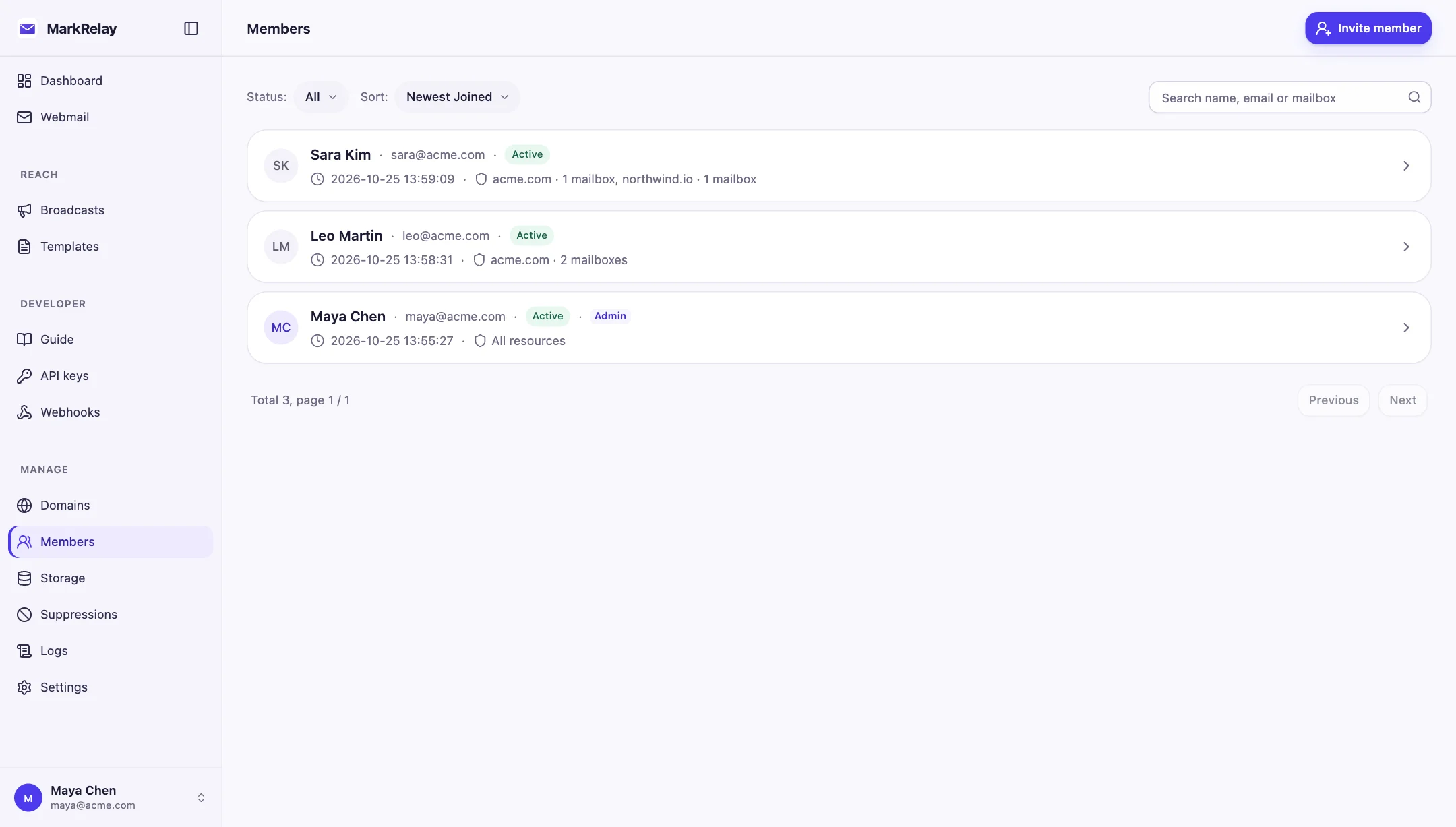
Access is granted mailbox by mailbox. Support works in support@, finance in billing@, and a mailbox someone was not given never appears for them, in webmail or through the API. Administrators run the deployment and can open every mailbox.
API keys and webhooks belong to a person and never reach more than that person can open, narrowed further to one domain or a few mailboxes if you choose.
What it costs
One license covers the whole Cloudflare account, Annual $99/year or Lifetime $249 once, with no fee per seat, domain or mailbox. Cloudflare bills its own usage: Workers Paid ($5/month) includes 3,000 sent emails a month, then $0.35 per 1,000; receiving through Email Routing is free.
Compared with hosted private email and self-hosted mail servers
Three ways to keep your mail away from a large email platform, side by side.
| Question | MarkRelayIn your Cloudflare account | Hosted private emailProton, Tuta, Fastmail | Self-hosted mail servermailcow, Mailu, Stalwart |
|---|---|---|---|
| Who stores the data | You: the D1 database and R2 bucket in your own Cloudflare account | The provider, on its own servers | You, on a server you run |
| Servers to run and patch | None: Cloudflare Workers, D1 and R2 | None | Yes: the server, its OS and the mail stack |
| Receiving and sending | Cloudflare Email Routing and Email Sending | The provider's mail servers | Your own SMTP server and IP reputation |
| How it is priced | One license (from $99/year) plus Cloudflare usage | Per user, per month | Free software; you pay for the server and your time |
| Mail apps | Browser webmail and HTTP API; no IMAP clients | Their own web and mobile apps; IMAP access varies by provider | IMAP clients and webmail |
| Requirements | Domains on Cloudflare DNS (the Free plan works) | Any DNS host | A server with open mail ports |
Who stores the data
- MarkRelay
- You: the D1 database and R2 bucket in your own Cloudflare account
- Hosted private email
- The provider, on its own servers
- Self-hosted mail server
- You, on a server you run
Servers to run and patch
- MarkRelay
- None: Cloudflare Workers, D1 and R2
- Hosted private email
- None
- Self-hosted mail server
- Yes: the server, its OS and the mail stack
Receiving and sending
- MarkRelay
- Cloudflare Email Routing and Email Sending
- Hosted private email
- The provider's mail servers
- Self-hosted mail server
- Your own SMTP server and IP reputation
How it is priced
- MarkRelay
- One license (from $99/year) plus Cloudflare usage
- Hosted private email
- Per user, per month
- Self-hosted mail server
- Free software; you pay for the server and your time
Mail apps
- MarkRelay
- Browser webmail and HTTP API; no IMAP clients
- Hosted private email
- Their own web and mobile apps; IMAP access varies by provider
- Self-hosted mail server
- IMAP clients and webmail
Requirements
- MarkRelay
- Domains on Cloudflare DNS (the Free plan works)
- Hosted private email
- Any DNS host
- Self-hosted mail server
- A server with open mail ports
Proton and Tuta say they cannot read the mail they store; check each provider's own pages for its pricing and security model.
What 15 private mailboxes cost per year
About 3,000 sent emails a month in total, one person per mailbox.
| Per year | MarkRelayAnnual license + Cloudflare | Google WorkspaceBusiness Starter |
|---|---|---|
| Price | $159 | $1,260 (annual plan), $1,512 (flexible) |
| How it is priced | One license per Cloudflare account | Per user, per month |
| Where mail is stored | Your Cloudflare D1 and R2 |
Price
- MarkRelay
- $159
- Google Workspace
- $1,260 (annual plan), $1,512 (flexible)
How it is priced
- MarkRelay
- One license per Cloudflare account
- Google Workspace
- Per user, per month
Where mail is stored
- MarkRelay
- Your Cloudflare D1 and R2
- Google Workspace
MarkRelay: Annual license ($99) plus Cloudflare Workers Paid ($5/month) for 12 months, which includes 3,000 sent emails a month. Google Workspace Business Starter is $7 per user per month on an annual plan or $8.40 on the flexible plan. Prices from each vendor's pricing page.
Common questions
Can MarkRelay read my email?
No. MarkRelay (the company) never receives your email, attachments or contacts. Your mail is stored in the D1 database and R2 bucket in your own Cloudflare account, and your deployment only contacts markrelay.com to check its license.
Where is my email stored?
In your own Cloudflare account: the message index in your D1 database, and message bodies and attachments in your R2 bucket. Send and receive logs are deleted automatically after 90 days; everything else stays until you delete it.
Does any AI read my mail?
No built-in AI reads your mail. An AI agent only sees mail if you connect one, and then only the mailboxes its API key is granted.
Do I have to run a mail server?
No. MarkRelay runs on Cloudflare Workers, D1 and R2 in your own Cloudflare account. Cloudflare Email Routing receives your mail and Cloudflare Email Sending sends it, so there is no server, mail stack or IP reputation to manage.
Can I use Outlook or Apple Mail with it?
MarkRelay is used in the browser and over its HTTP API; it does not offer IMAP access.
Does Cloudflare see my email?
Your mail passes through Cloudflare, which receives and sends it. Cloudflare says Email Routing does not store or access the content of your emails, and its activity log shows sender, recipient, subject and status. For sent mail, Email Sending keeps previews for about seven days while Email preview is on for the sending domain. See Data & privacy for the full list.
Is it a self-hosted email platform in my own cloud account?
Yes. It is self-hosted in your own Cloudflare account rather than on a server you run. If your own cloud account is on AWS, Google Cloud or Azure, note that MarkRelay runs only on Cloudflare; your domains need Cloudflare DNS, which the Free plan includes.
Go deeper
Explore more of MarkRelay
Use cases
Own your email stack today
Buy MarkRelay once and run it in your Cloudflare account. MarkRelay adds no per-message or per-seat charge; Cloudflare usage and service limits remain separate.