Domains & Mailboxes
Use domains to organize your company addresses, then create mailboxes for teams, products, automated workflows, or AI agents.
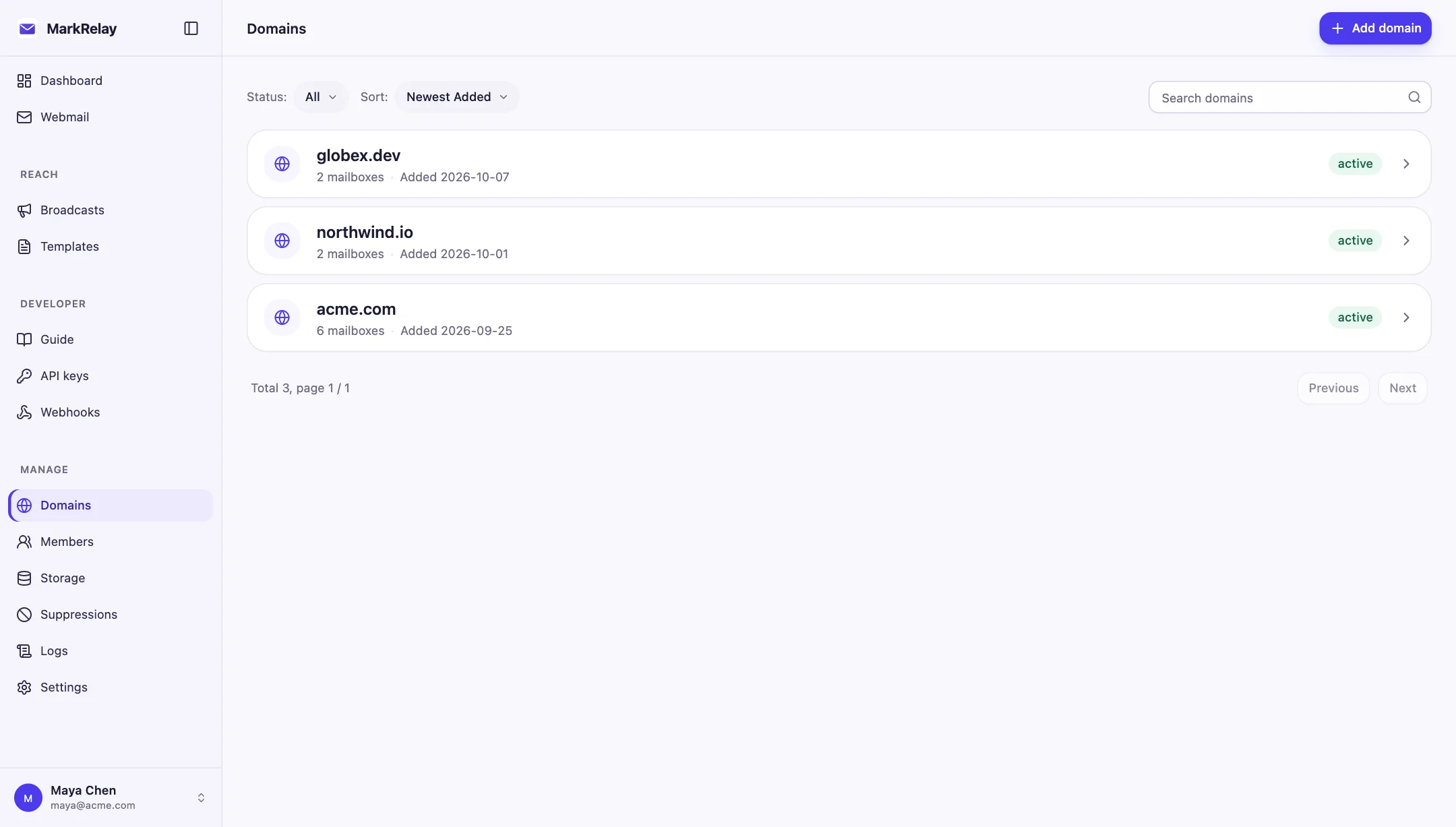
Connect a domain
- Add the domain from Manage → Domains.
- Onboard the domain to Cloudflare Email Routing for inbound mail, and to Email Sending if you send from it. Cloudflare adds the DNS records for each.
- Create address rules—or a catch-all rule—and route them to the MarkRelay Worker.
- Recommended (optional) for broadcasts: subscribe the domain's Email Sending events to the MarkRelay events queue (see Track broadcast delivery).
- Add matching mailbox addresses in MarkRelay.
For example, route support@example.com in Cloudflare and create support under example.com in MarkRelay.
Create and organize mailboxes
Each mailbox has an address, display name, and active status. Use clear display names so team members can quickly choose the right sender when composing email or creating a broadcast.
Good mailbox patterns include:
support@for customer conversations;billing@for invoices and payment questions;updates@for broadcasts;agent@for an automated workflow with scoped API access.
Mailbox workspace
Open a mailbox from Manage → Domains to review:
- its status and display name;
- members who can use it;
- attachments and recent storage activity;
- send and receive logs;
- API keys and webhooks that can reach it.
Pause an address
Disable a mailbox when you want to temporarily remove it from normal sending, receiving, and integration access while keeping its workspace available for administrators. Re-enable it whenever the address is ready to return.
Delete carefully
Before deletion, MarkRelay shows the related messages, member access, integrations, and broadcasts so you can review the impact. Export or retain anything important before confirming. Deleting a domain also removes the mailboxes beneath it.
If mail does not arrive
- Confirm the domain and mailbox are active.
- Check that the exact address is routed to the correct Worker in Cloudflare.
- Verify the Cloudflare Email Routing DNS records.
- Open MarkRelay Receive logs for the mailbox.
Continue with Webmail and Deliverability.