Webmail
Webmail gives you a single workspace for every mailbox you are allowed to use. Switch between company-wide, domain, and individual mailbox views without signing in to separate accounts.
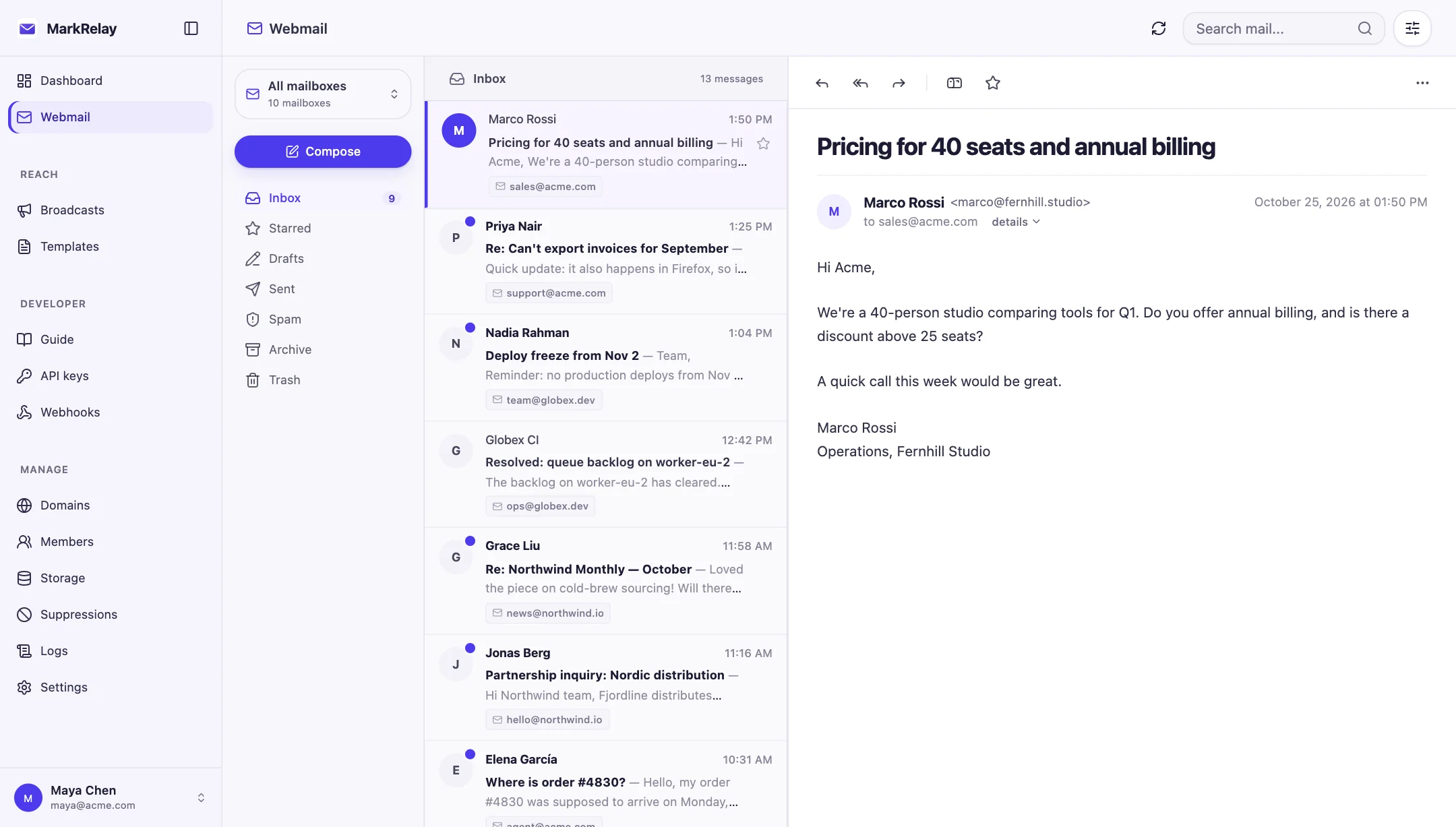
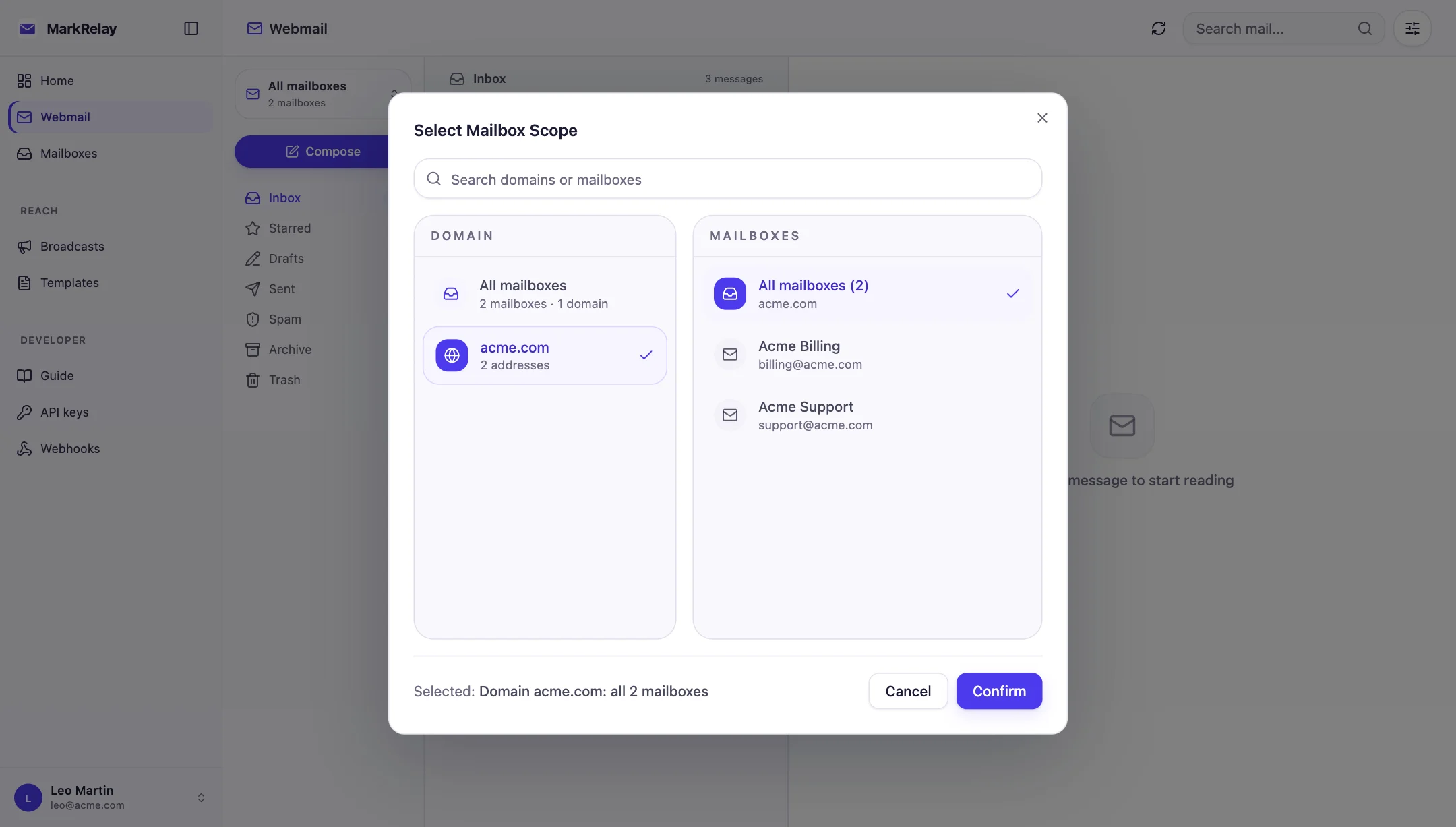
Choose your view
- All mailboxes: see conversations across your available addresses.
- Domain: focus on the mailboxes for one brand or business.
- Mailbox: work from one exact address such as
support@example.com.
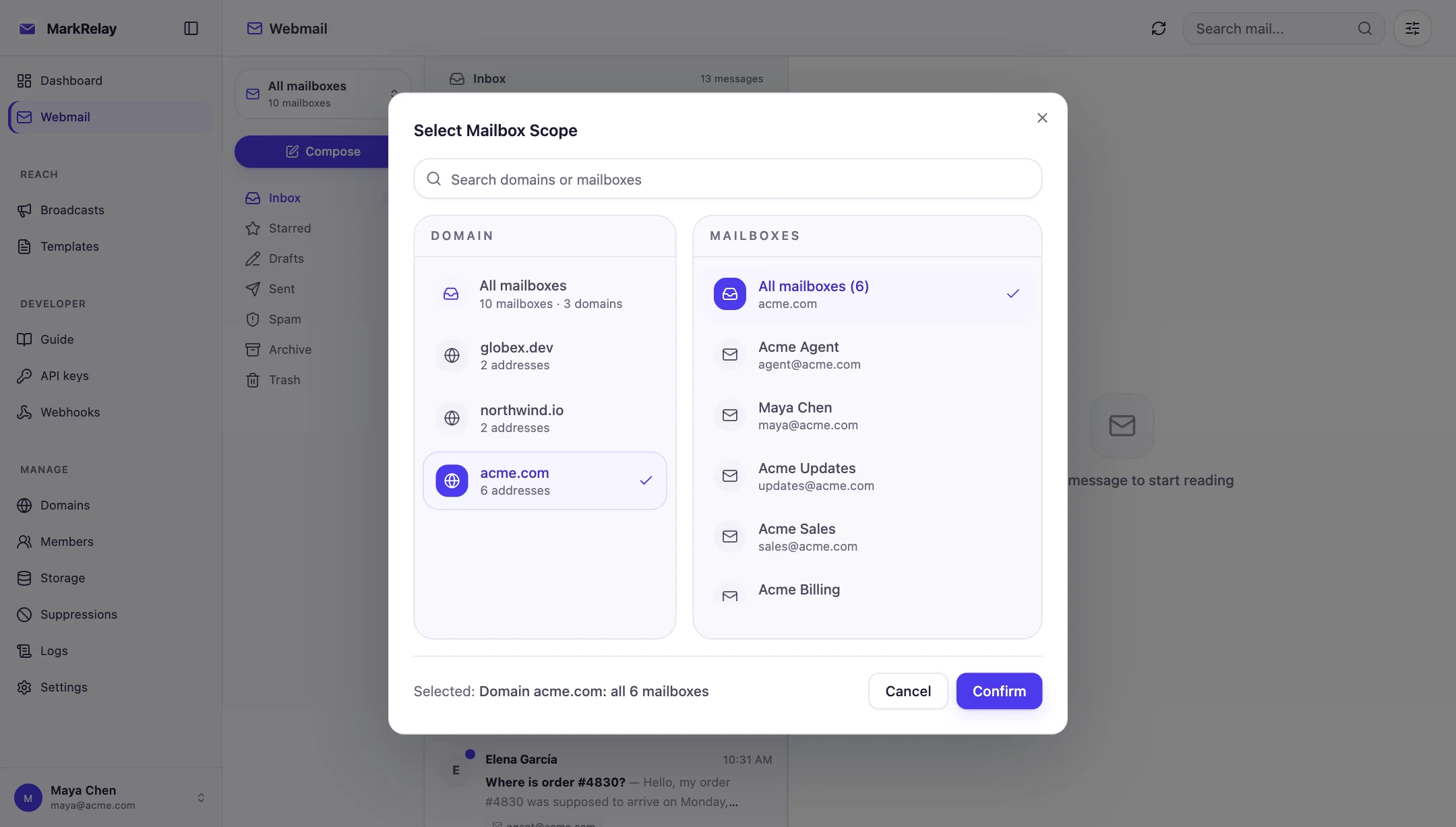
Find and organize email
Use Inbox, Starred, Drafts, Sent, Spam, Archive, and Trash to keep work organized. Search by text, sender, subject, read status, or date. Message threads keep related replies together, while unread counts help your team see what still needs attention.
From the message list or detail view you can:
- mark messages read or unread;
- star important conversations;
- move mail between Inbox, Spam, Archive, and Trash;
- download attachments;
- permanently delete messages when they are no longer needed.
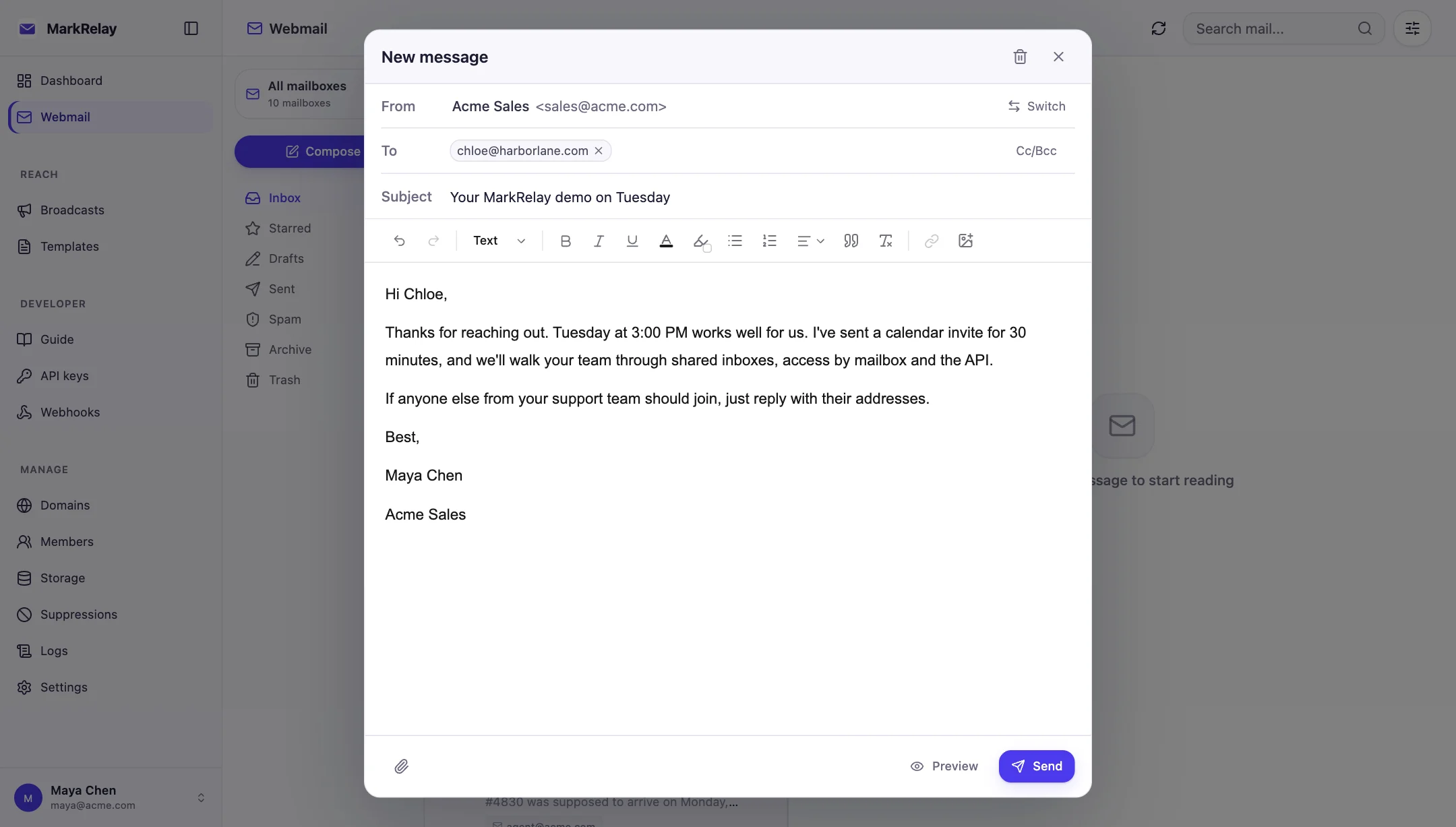
Compose a message
- Select Compose.
- Choose one of your available mailboxes as the sender.
- Add To, CC, or BCC recipients and enter a subject.
- Write with the visual email editor and attach files if needed.
- Send immediately or save the message as a draft.
Drafts preserve the sender, recipients, content, and attachments, so you can leave the composer and continue later.
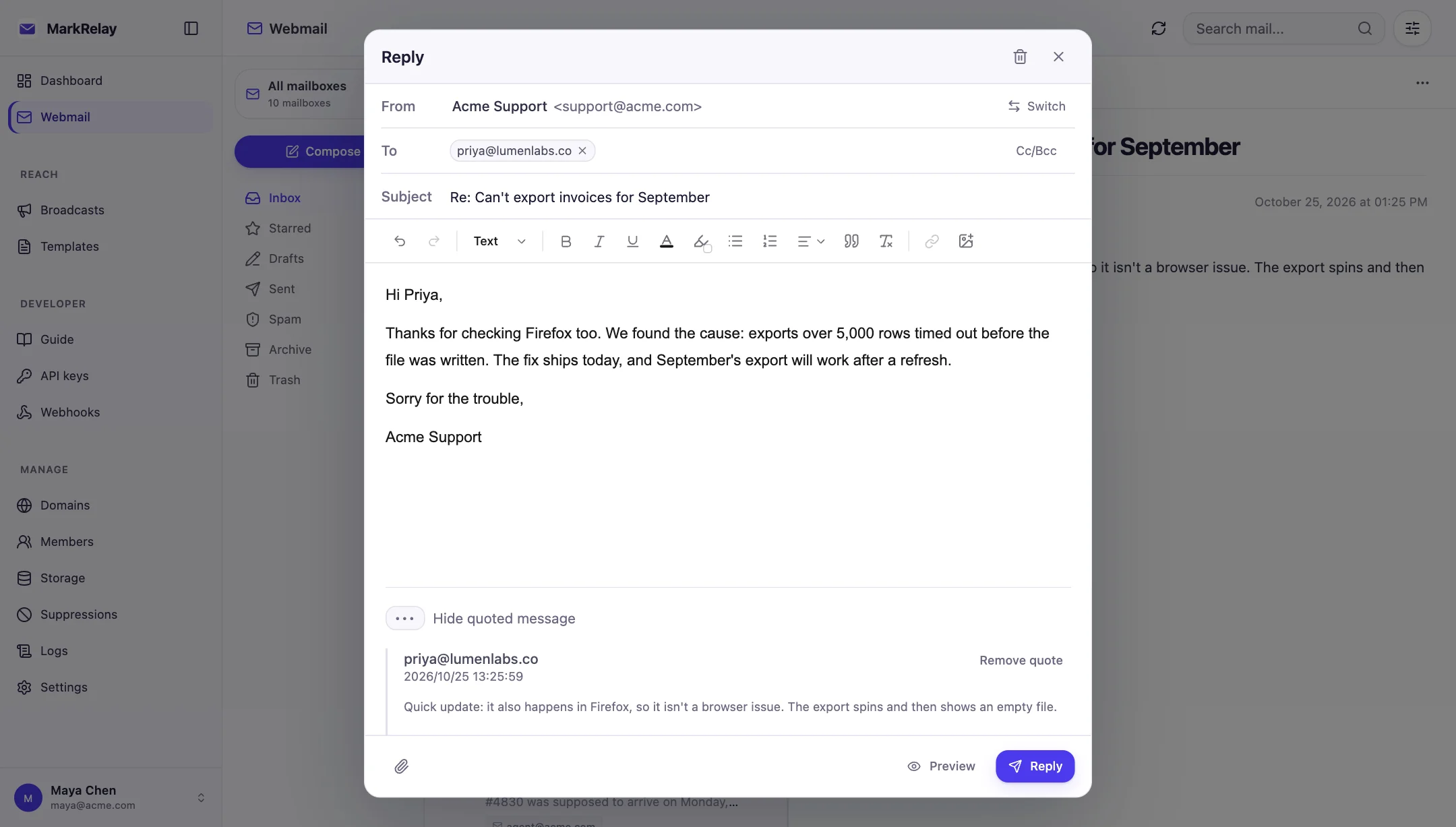
Reply and forward
Reply keeps the conversation connected to the original message. Reply all includes the relevant participants, and Forward carries the original content and attachments into a new message. You can edit recipients and add new files before sending.
Work securely as a team
Administrators can work across the full installation. Members see only assigned mailboxes, so support, finance, and operations teams can share one workspace without sharing account passwords.
Related: Domains & mailboxes, Templates, and Members & access.