Templates & Email Editor
Create polished, reusable emails without writing HTML. Templates keep your visual style, subject, preheader, and personalization ready for Webmail and Broadcasts.
Create a template
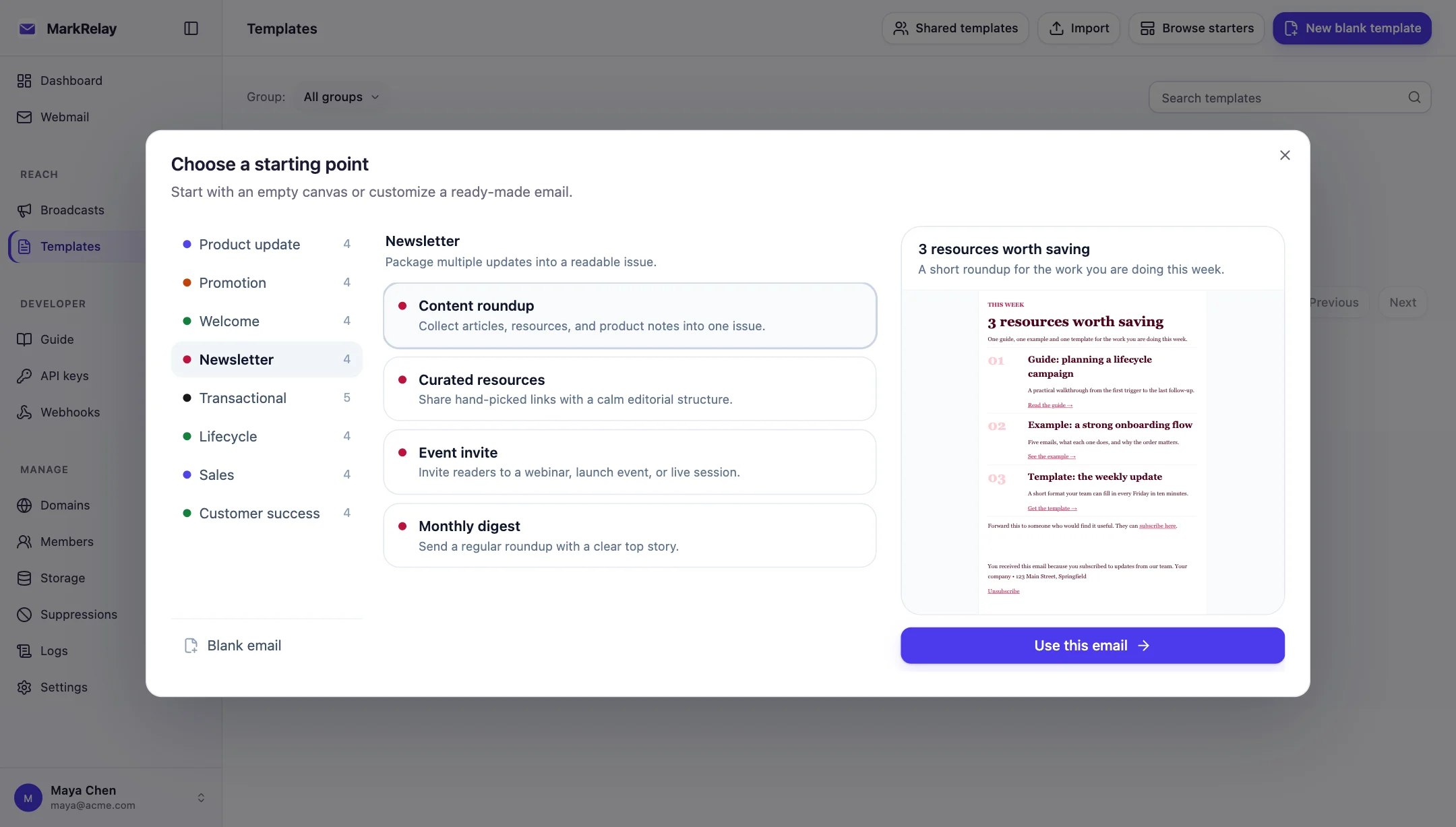
Choose the starting point that fits your workflow:
- Blank: build a design from the ground up.
- Starter design: begin with one of the built-in templates, which you can also preview and copy here.
- Clone: reuse one of your templates or a shared team design.
- Import: bring in a compatible MarkRelay template JSON file.
Design your email
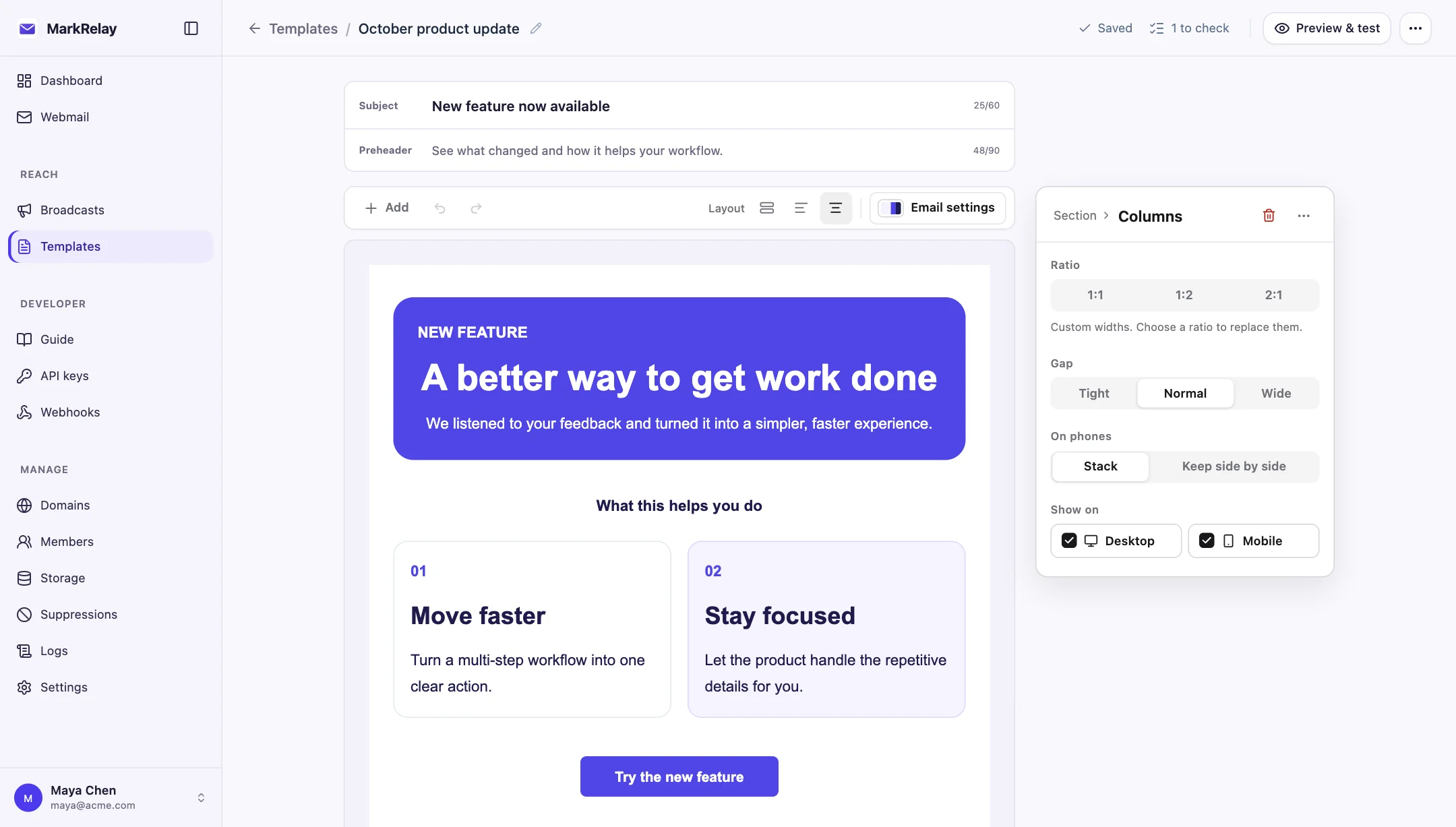
The visual editor includes:
- sections and multi-column layouts;
- headings, rich text, lists, links, and buttons;
- images, dividers, spacers, and footer blocks;
- theme controls for color, typography, spacing, and containers;
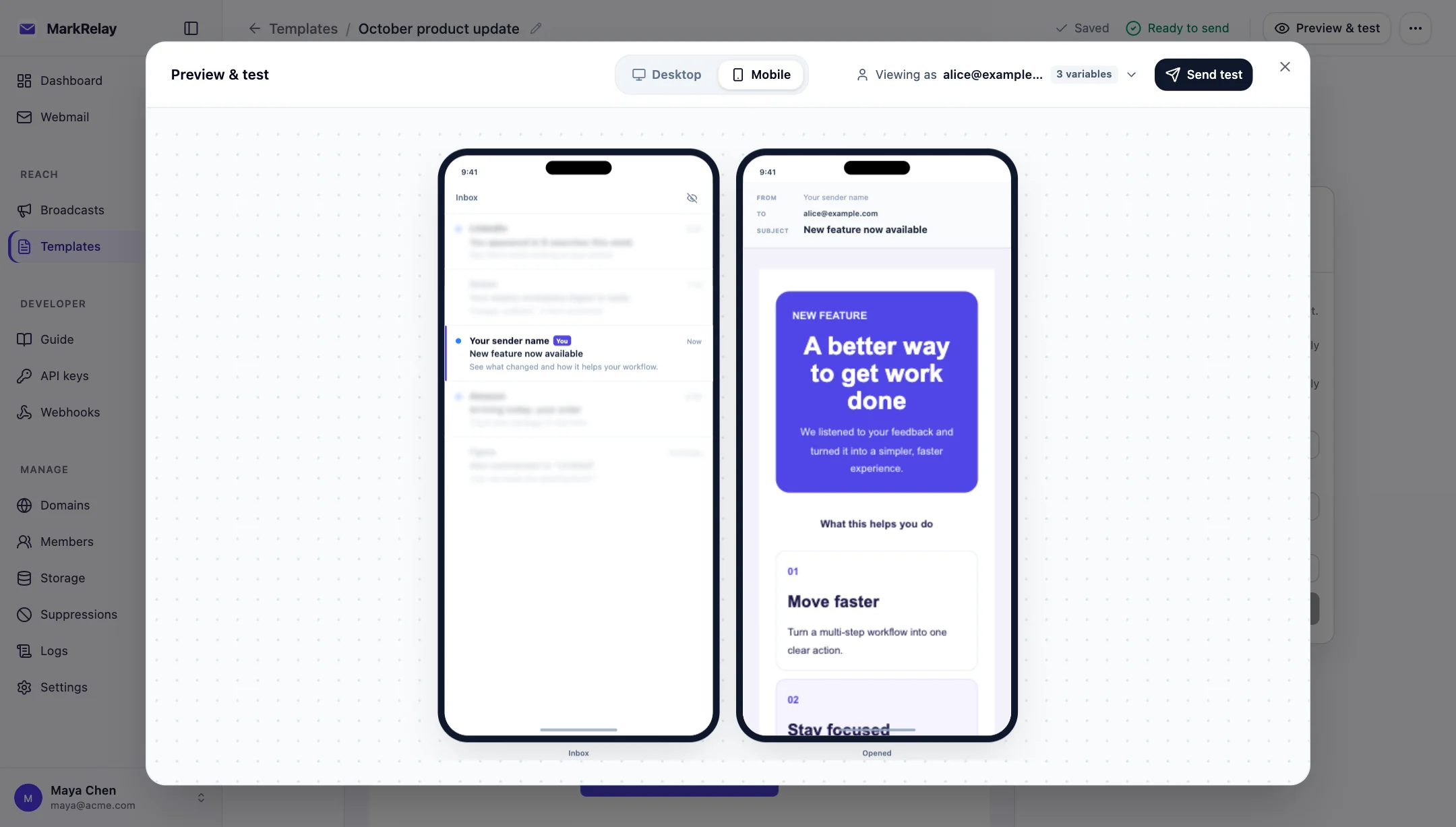
- desktop and mobile previews;
- subject and preheader inbox preview.
Give each template a clear internal name, group, and tags so your team can find the right design quickly.
Personalize content
Insert variables such as {{first_name}} in supported text and subject fields. Add a default value so the message still reads naturally when a recipient row does not provide one.
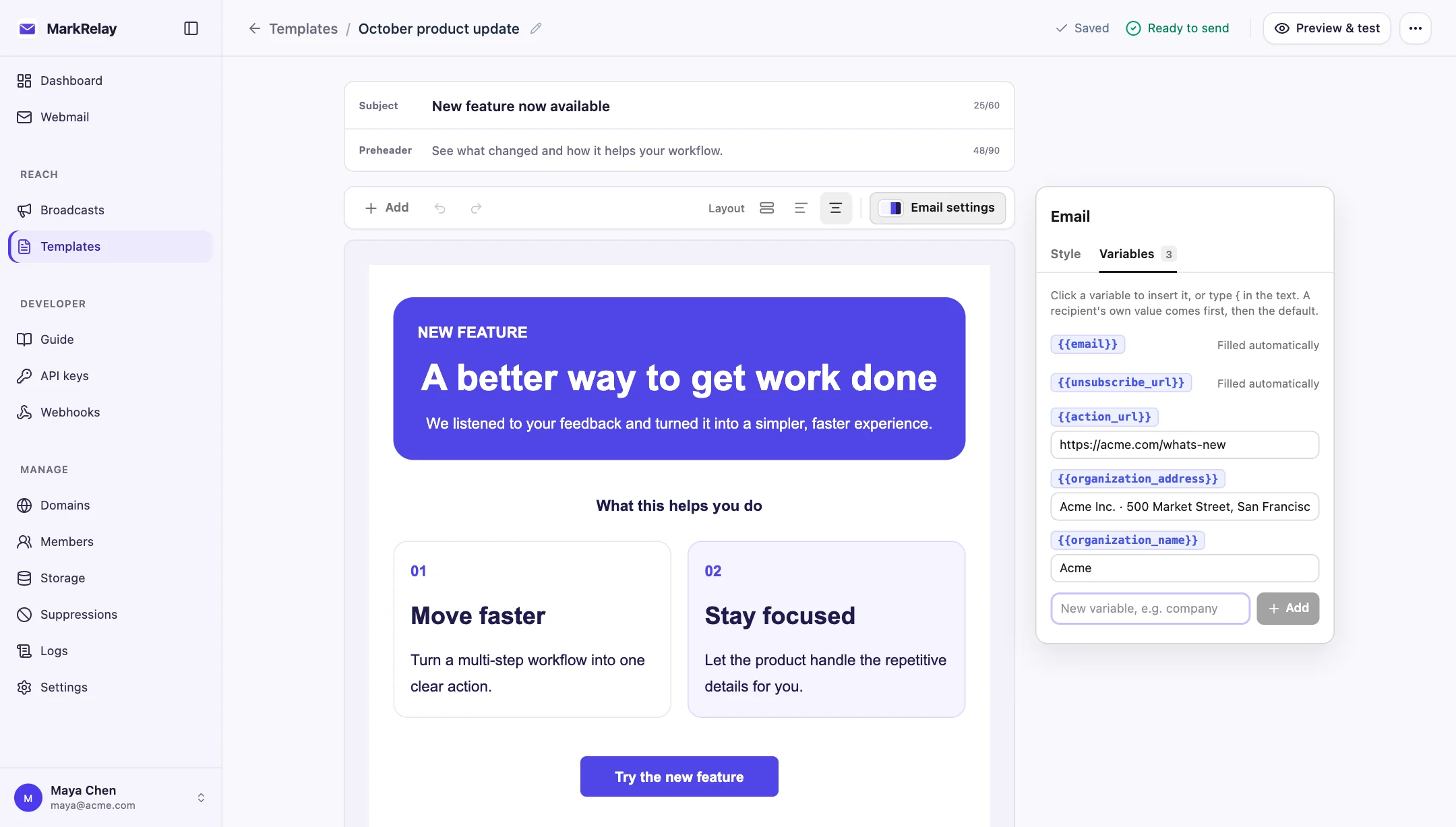
When preparing a broadcast, column names in your recipient file become available as variables. Use preview values to review the finished message before sending.
Share with your team
Mark a template as shared to publish it in the team gallery. Other members can clone it into their own workspace, preserving the original while making changes for a new campaign or use case.
Use and reuse
- Load a template while composing a normal Webmail message.
- Use it as the starting design for a broadcast.
- Export template JSON for reuse in another compatible MarkRelay installation.
- Clone successful designs instead of rebuilding recurring emails.
Source License customers can also embed or extend the underlying Email Editor and Email Render packages.